
How to update AI models across a fleet without breaking anything
Updating one edge device is easy. Updating hundreds safely takes footprint-based rollouts, versioning, one-step rollback, and a plan for devices that are offline.
Your model is trained, tested, and better than the version in the field. Now you need to get it onto every device that runs it. On one device, that takes minutes. Across a fleet of hundreds, spread across sites with different hardware and patchy connectivity, it's where many edge AI programs get stuck.
Here's a practical approach to fleet-wide model updates.
1. Treat every model as a versioned artifact
Before you can update safely, you need to know exactly what you're updating from and to. Register every model as a versioned artifact (for example, vision v6 and vision v7) and keep a record of which version runs on which device.
This record is the foundation for everything else. Without it, "roll back" has no clear meaning, and troubleshooting starts with guesswork.
2. Deploy to footprints, not individual devices
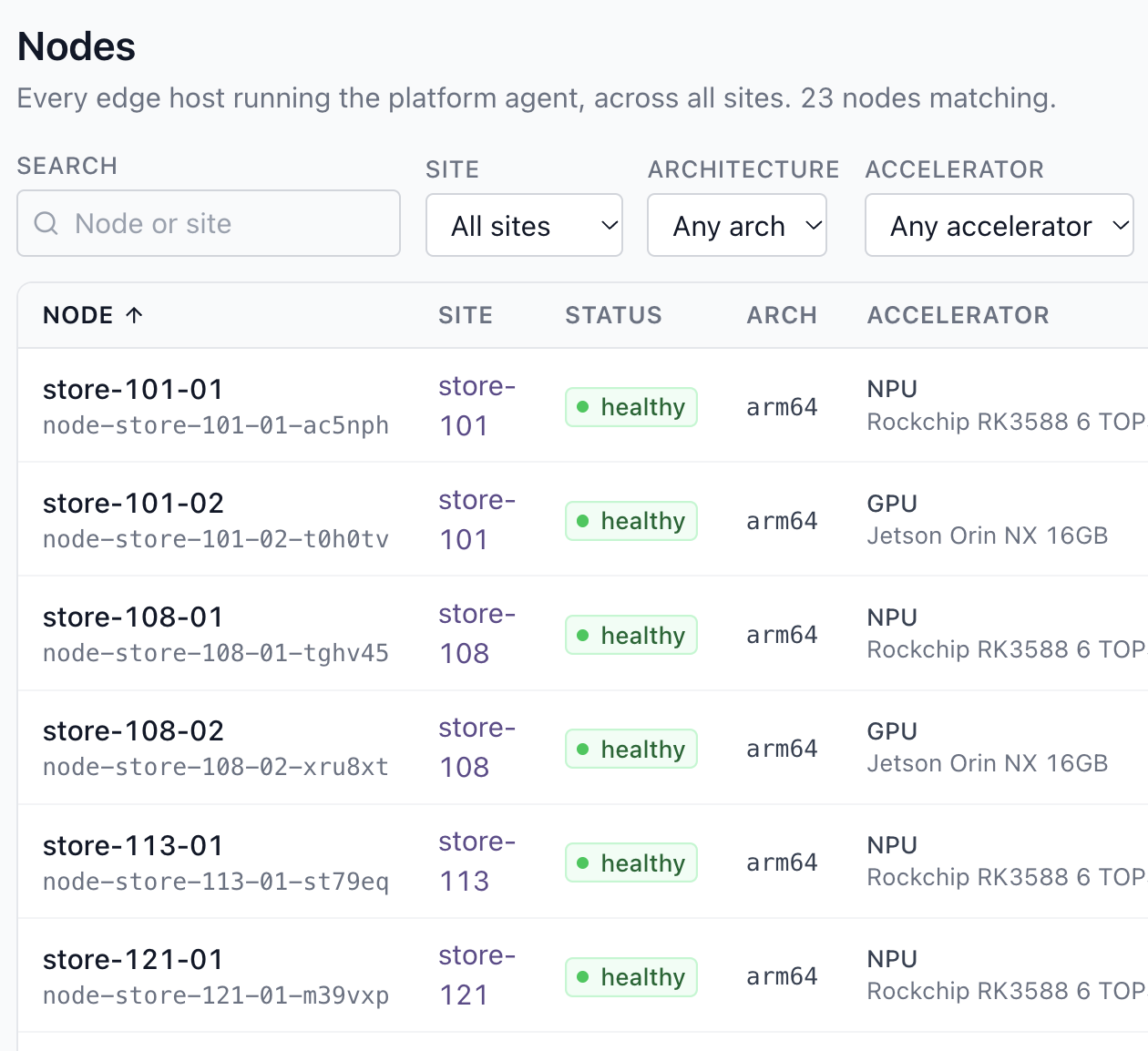
Nobody wants to click "deploy" three hundred times. Group devices into footprints that match how you operate:
- By location: a region, a site, or a class of site.
- By hardware class: GPU edge servers, standard edge nodes, and constrained devices often need different handling.
- By label: anything else that matters to your rollout, such as "pilot sites" or "night shift."
Then deploy a model version to a footprint in one action. New devices that join the footprint pick up the right version automatically.
3. Declare the desired state and let the fleet converge
The most reliable fleets don't push updates device by device. Instead, you declare what should run ("vision v7 on the energy/offshore footprint"), and each device works toward that state on its own.
This matters most for devices that are offline when you start a rollout. With a desired-state approach, a device that loses its link keeps serving the version it has. When connectivity returns, it pulls the new version and catches up, without anyone chasing it.
4. Roll out gradually, and watch
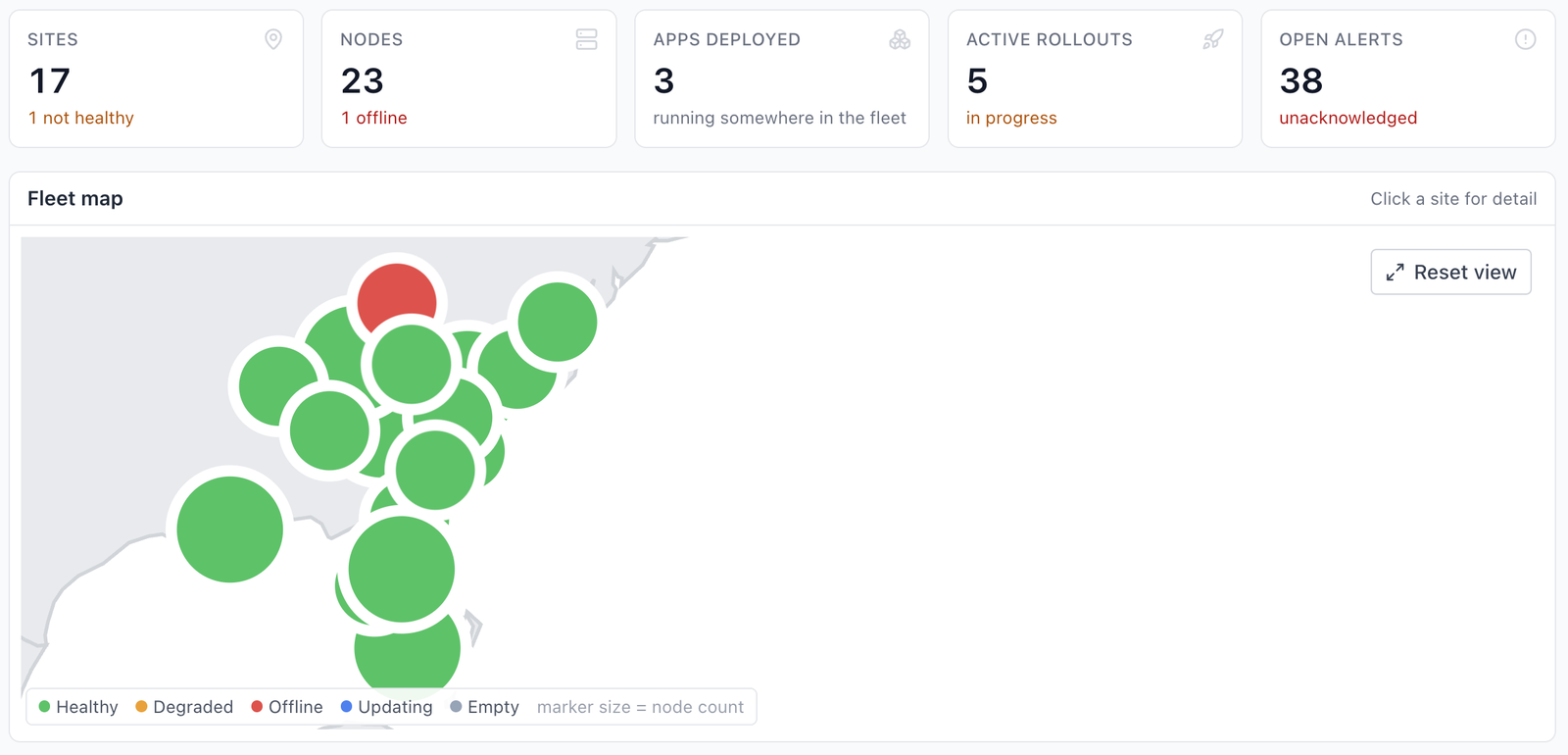
Even a well-tested model can behave differently on real data at real sites. Beam AI supports staged and percentage-based rollouts natively: release a new version to a small share of a footprint first, watch how it performs, then widen the rollout. For every model, keep an eye on:
- request volume
- latency
- error rate
- the health of the devices it runs on
If the numbers look wrong, stop the rollout before it reaches the whole fleet.
5. Make rollback a single step
If an update misbehaves, the fix should be one action, not a project. Because every model is versioned and every device's desired state is recorded, rolling back means pointing the footprint at the previous version. The fleet converges back to it, including devices that come back online later.
The ability to undo quickly changes how teams behave. When rollback is easy, teams update more often, and models stay current.
6. Automate it
Once updates are routine, take people out of the loop. If every operation (deploy, check status, update, and roll back) is available as an API call, model updates can run from your CI/CD pipeline like any other release. AI agents can even trigger them through an MCP server.
How this works in Beam AI
Siden Beam AI is built around this workflow. You register a model, target a node or a footprint, and deploy. Apps call the model locally on a standard API. You observe requests, latency, errors, and health, and you push updates over the air or roll back in one step.
See it with your own model. Join the waitlist to run a fleet-wide update and rollback on your own nodes.